
Claim Mosaic Mobile Companion
The public adjuster mobile app built for the loss site.
Carry assigned property claims, inspection media, field notes, files, and follow-up tasks from the office to the roof—and back again.

Included for authorized users with an existing Claim Mosaic account.
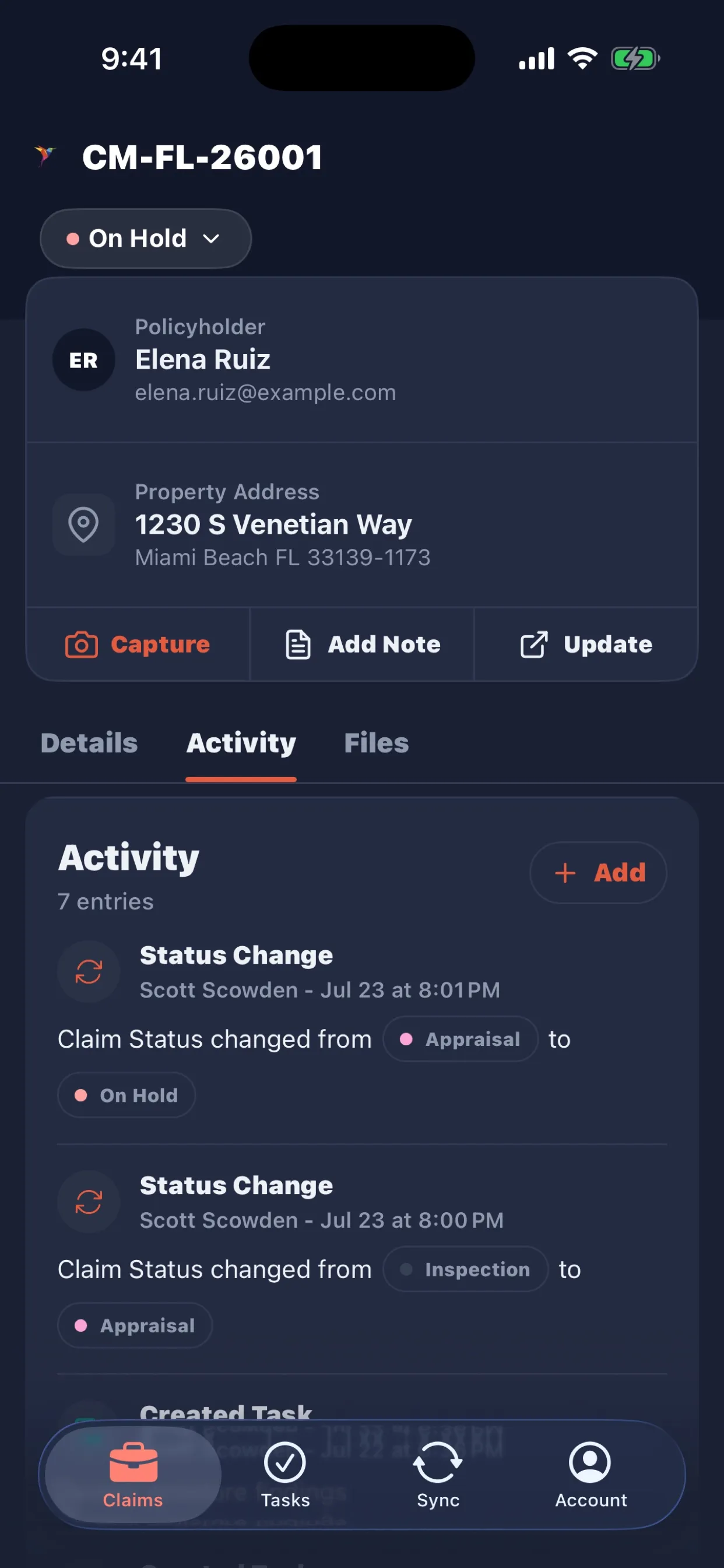
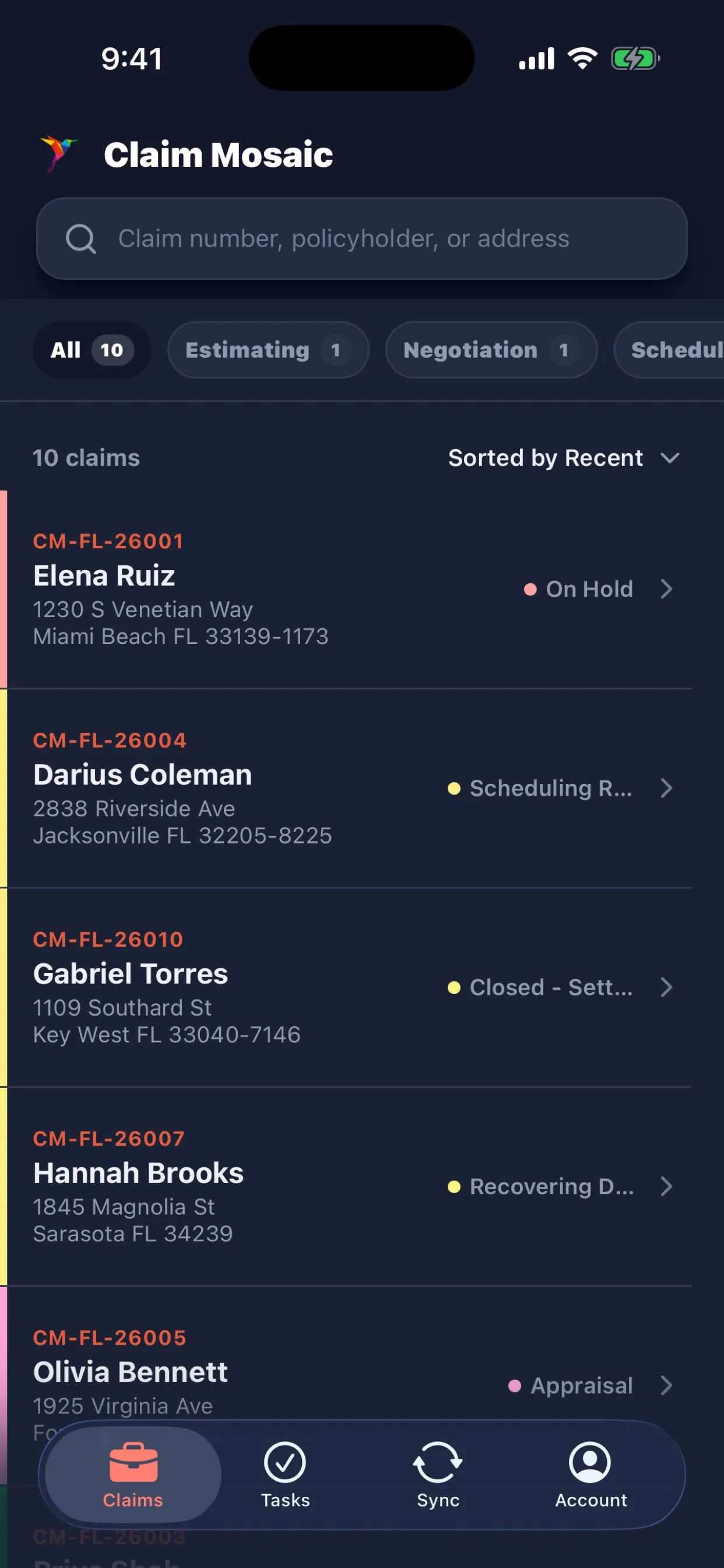
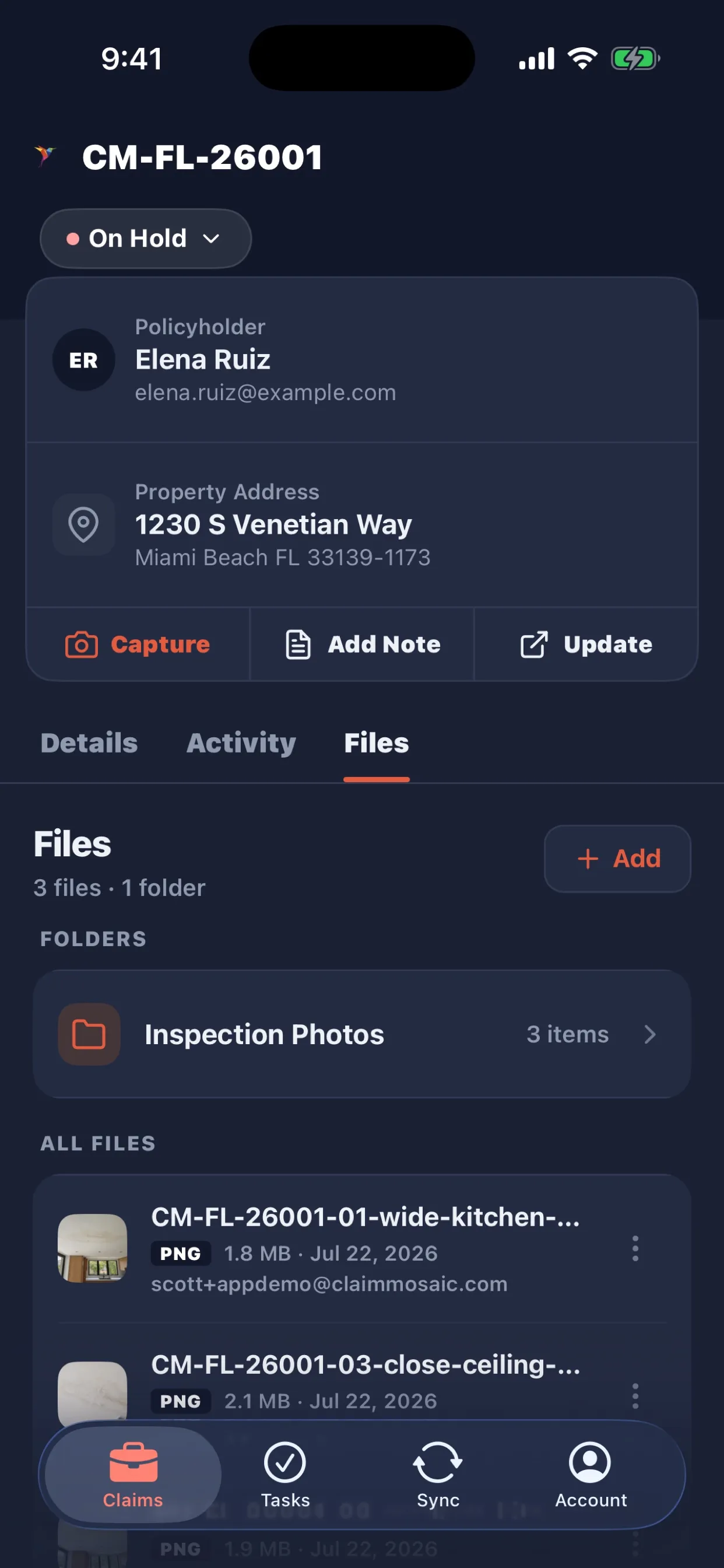
Designed around the way public adjusters actually move through a property claim.
- ✓ Assigned claim lookup
- ✓ Photo & video capture
- ✓ Claim files & folders
- ✓ Tasks & activity
A complete field loop
From assignment to synced evidence—without the office detour.
Claim Mosaic Mobile turns the essential public adjuster field workflow into four clear steps.
- 01Find the claim
Search assigned claims by claim number, policyholder, or property address.
- 02Document the loss
Capture inspection photos and videos, then organize them into claim folders.
- 03Move work forward
Add activity, review context, update claim status, and handle follow-up tasks.
- 04Sync the field record
Queue work through weak connectivity and synchronize when the network returns.
01 / CLAIM INTELLIGENCE
Arrive with the claim context already in your pocket.
Review mobile-safe policyholder, property, loss, insurance, mortgage, status, and activity information before you step onto the site.
- Search and filter assigned property claims
- Open map-ready property addresses
- Review claim activity and status history
- Keep sensitive accounting data out of field views
02 / INSPECTION MEDIA
Capture evidence where it belongs: on the claim.
Use the device camera or system photo picker to bring inspection media into a claim-specific workflow—without the end-of-day camera-roll scavenger hunt.
- Capture inspection photos and video
- Import existing field media
- Create and manage claim folders
- Preview, rename, move, and remove files
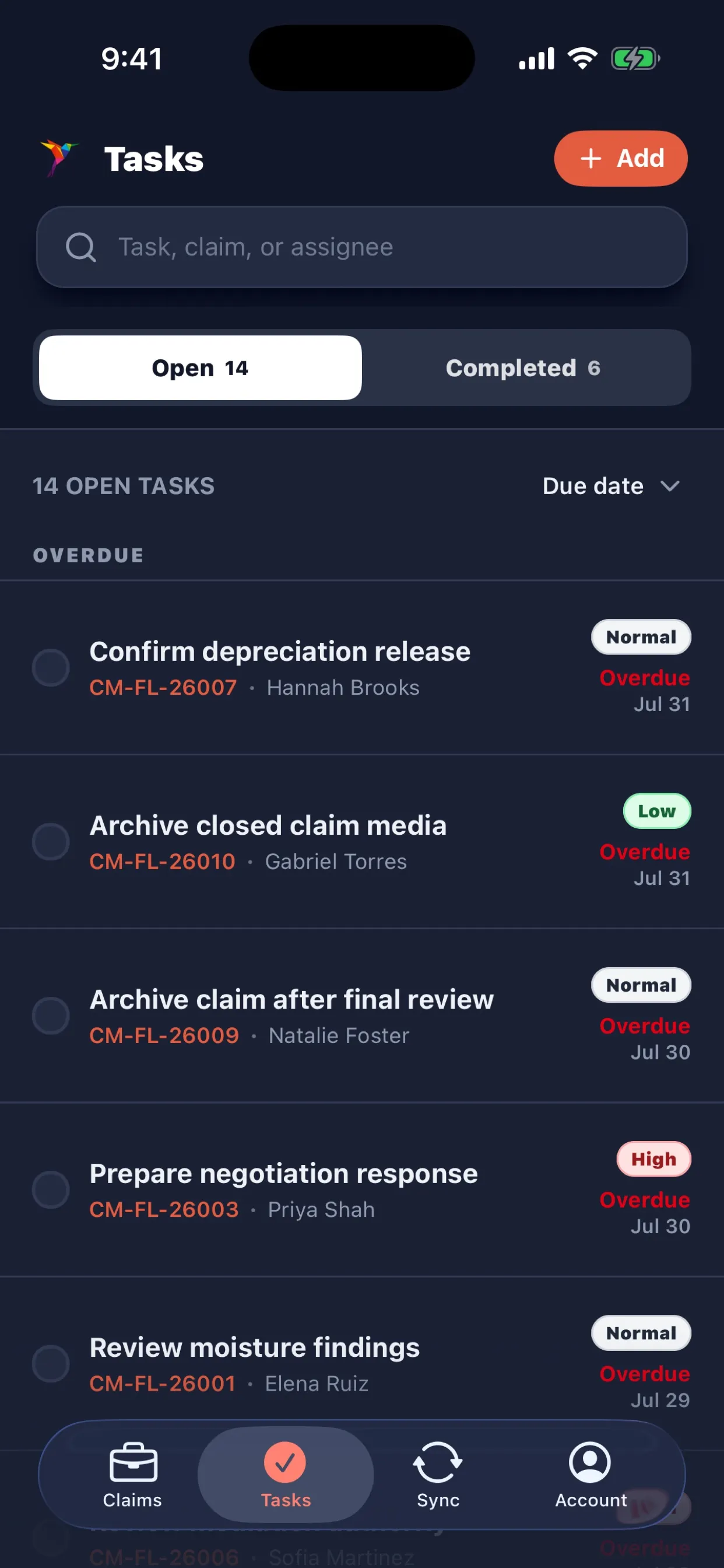
03 / FIELD FOLLOW-UP
Turn inspection findings into action before leaving the property.
Record claim activity and keep mobile claim tasks moving while the site details are still fresh.
- Add claim notes and activity
- Create, assign, edit, and complete tasks
- Sort follow-up work by due date and priority
- Respect organization permissions on every workflow
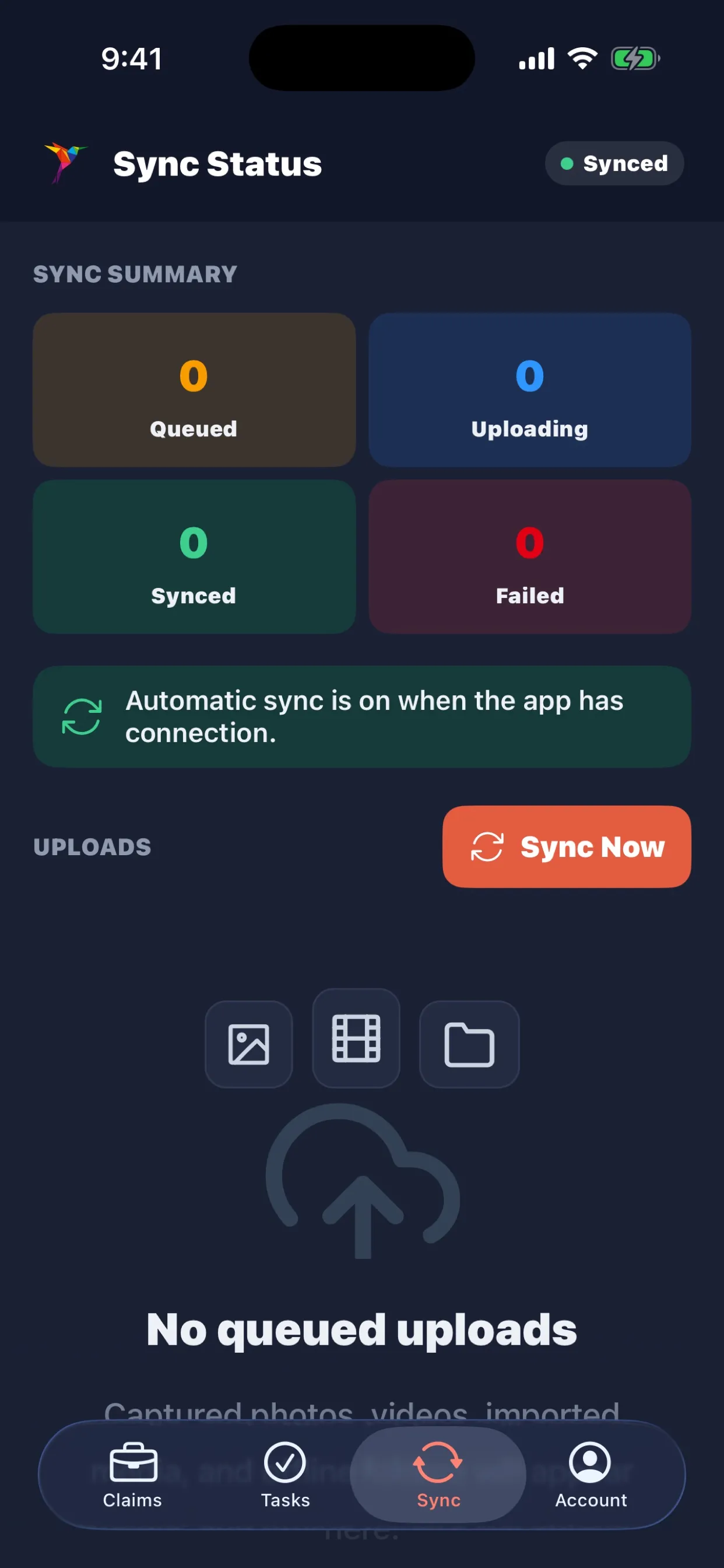
Built for unreliable signal
Your field workflow should not stop at one bar.
Claim Mosaic Mobile can queue supported field media and folders while connectivity is limited, then synchronize foreground work when a usable connection returns.
Purpose-built—not generic
Mobile claims management software shaped around public adjusting.
Public adjusters do not need a desktop dashboard squeezed onto a phone. They need fast access to the assigned claim, a dependable inspection photo workflow, clear follow-up tasks, and confidence that field evidence will reach the right claim record.
That is the boundary of the Claim Mosaic Mobile Companion: practical property-claim operations for authorized field users, connected to the full Claim Mosaic claims management platform.
Mobile companion FAQ
Questions from public adjuster teams.
Clear answers about mobile access, field workflows, and offline claim work.
What is the Claim Mosaic Mobile Companion?+
It is a free field companion for authorized users with an existing Claim Mosaic account. It provides assigned-claim access, inspection media, claim files, activity, tasks, offline queueing, and sync.
Can public adjusters use the app offline?+
Yes. Supported field media and folders can be queued when connectivity is limited and synchronized when a network connection is available.
Can I purchase Claim Mosaic through the mobile app?+
No. The mobile companion has no account registration, pricing, purchasing, subscription management, or upgrade flow. Access is limited to existing organization-provisioned accounts.
Does the mobile app replace the web platform?+
No. The app is intentionally focused on the loss-site workflow. The web platform remains the complete workspace for broader claim administration and business operations.
For existing Claim Mosaic customers
Take the claim record into the field.
Mobile access is included for eligible, authorized users. Sign in with your existing organization-provisioned account or contact support for help.